
Web Design
WordPress vs Webflow vs Framer: Which Is Better? [2026 Guide]
Published on Jul 21, 2026
Introduction
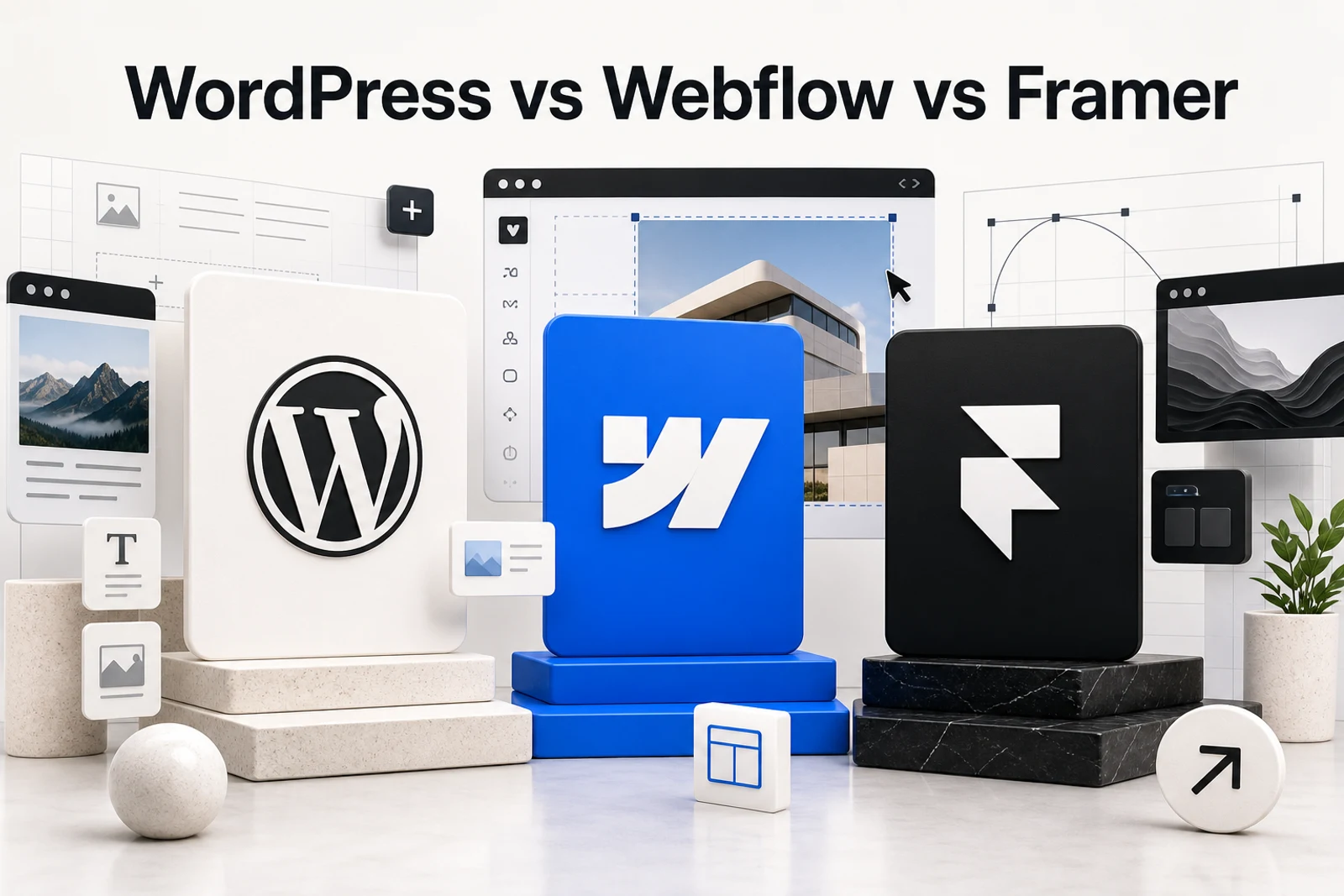
WordPress vs Webflow vs Framer is not a simple question.
I have used all three.
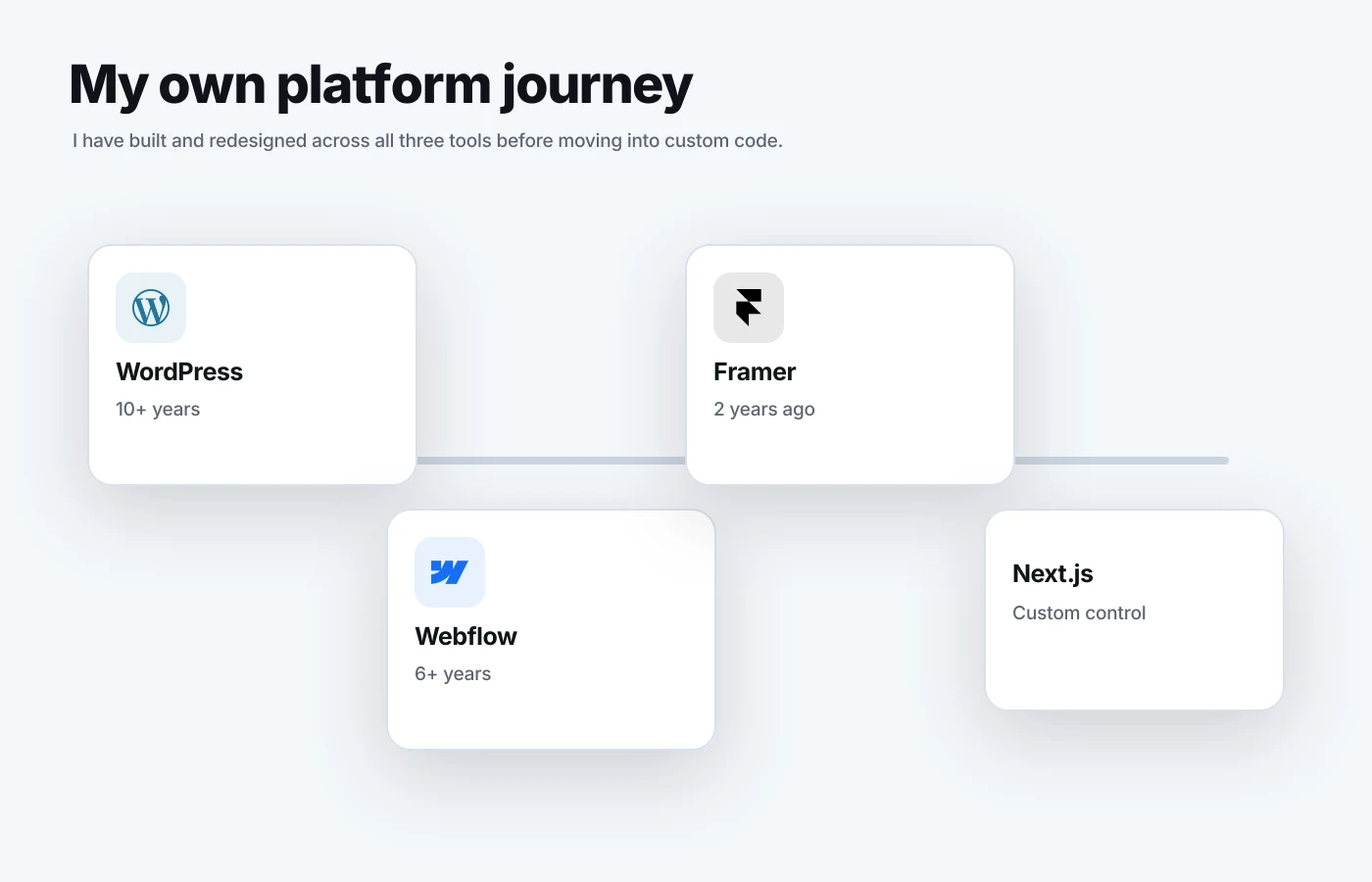
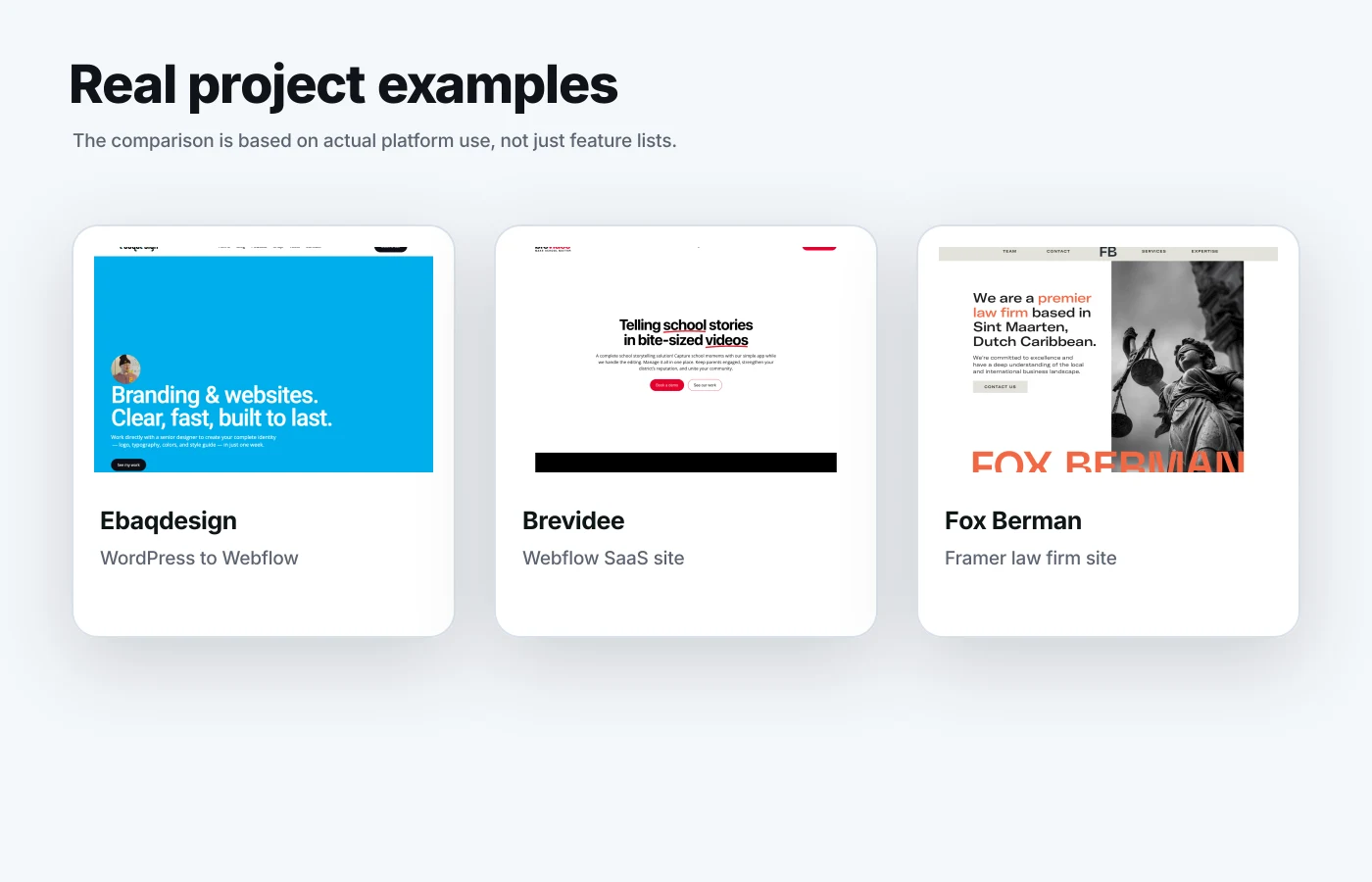
My own website, ebaqdesign.com, was built on WordPress for over 10 years. Then I moved it to Webflow, where it has lived for over 6 years. About 2 years ago, I also designed a separate landing page on Framer at ebaq.design. Today, I also have a custom Next.js build.
So I went through the whole path.
WordPress gave me flexibility.
Webflow gave me design control.
Framer gave me speed.
Custom code gave me full ownership.
But most businesses do not need to jump straight to custom code. They need the right platform for the stage they are in.
In this guide, I will compare WordPress, Webflow, and Framer for real websites: startup websites, established business websites, service websites, landing pages, SaaS websites, and content-heavy blogs.
Quick Answer: Which One Is Better?
For most modern business websites, I prefer Webflow.
It gives you the best balance of design control, CMS structure, performance, security, and ease of maintenance.
But it depends on the website.
| Platform | Best For | Main Strength | Main Weakness |
|---|---|---|---|
| WordPress | Blogs, publishers, content-heavy sites, complex plugin needs | Flexibility and ecosystem | Maintenance, security, plugin bloat |
| Webflow | Business websites, startups, SaaS, agencies, service firms | Visual design control and CMS | Less flexible than custom code |
| Framer | Landing pages, startup launches, personal sites, small marketing sites | Speed and visual polish | CMS and scaling limits |
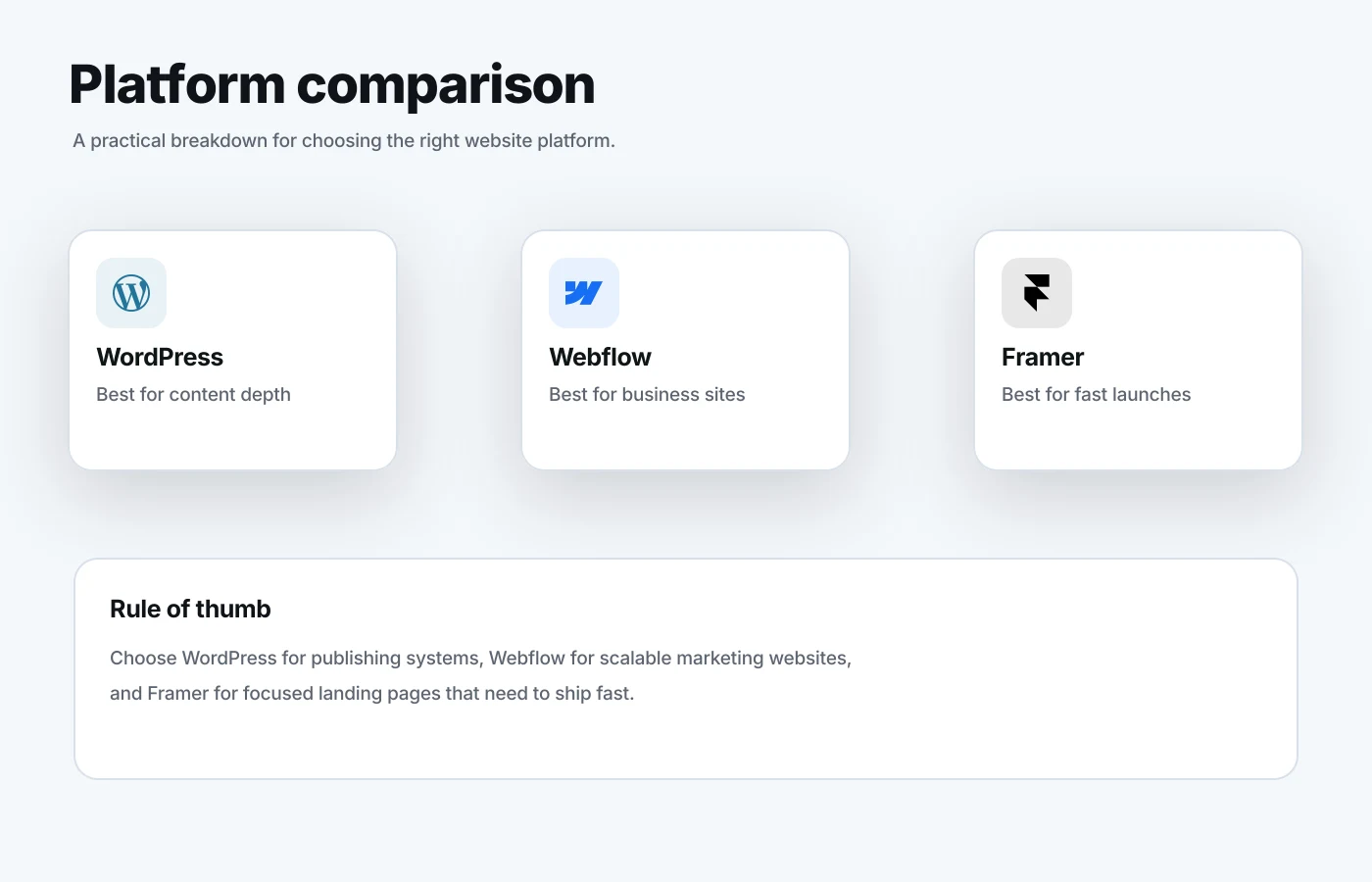
My short verdict: Use Webflow for most business websites. Use WordPress if content publishing and plugins matter most. Use Framer if you need a sharp landing page fast.
What Is WordPress?
WordPress is an open-source content management system used to build websites, blogs, online stores, membership sites, and almost any type of web property.
It has been around for a long time.
That is both its strength and its weakness.
The strength is the huge ecosystem. You can find plugins for SEO, forms, memberships, e-commerce, directories, booking systems, and almost anything else.
The weakness is that the same ecosystem can become messy fast.
Too many plugins.
Too many updates.
Too many theme conflicts.
Too many small technical decisions for a business owner who just wants the website to work.
I used WordPress for over 10 years on my own site. It worked. It helped me publish content, build traffic, and grow my business.
But over time, the maintenance became annoying.
I wanted more control over the design without fighting themes, builders, and plugin conflicts.
That is why I moved to Webflow.
What Is Webflow?
Webflow is a visual website builder and CMS for designing, building, hosting, and managing websites without writing custom code for every layout.
The big difference is design control.
Webflow feels closer to designing the real website, not designing a mockup and then asking a developer to rebuild it.
You can control layout, spacing, responsive behavior, interactions, CMS fields, and SEO settings in one place.
For a designer, this is powerful.
For a business, it means the final site can feel more custom without the cost and complexity of a fully custom build.
I moved ebaqdesign.com from WordPress to Webflow over 6 years ago. I still use Webflow for it because it gives me the right mix of control and speed.
I also used Webflow for Brevidee, a video editing SaaS website: brevidee.com.
That type of site is a good fit for Webflow because it needs strong brand presentation, clear conversion paths, landing pages, CMS flexibility, and a polished marketing experience.
What Is Framer?
Framer is a modern website builder focused on speed, visual design, animation, and launching quickly.
It is very popular with startups, designers, founders, and solo creators.
The main appeal is how fast you can go from idea to live page.
If you already have a design direction, you can build a polished landing page quickly. You can add motion, responsive layouts, forms, CMS items, and publish without much setup.
I used Framer for a separate landing page at ebaq.design about 2 years ago.
I also designed foxberman.com in Framer for a law firm.
That project is a good example of where Framer can work well outside the typical startup bubble. A law firm does not need a giant CMS or plugin stack. It needs a clear message, trust, strong visuals, fast loading, and a premium feel.
Framer can do that well.
But I would not choose Framer for every business website.
It is best when the site is focused, visually led, and not too complex.
WordPress vs Webflow vs Framer: Full Comparison
Here is the practical comparison I would use when choosing a platform for a real business website.
| Criteria | WordPress | Webflow | Framer |
|---|---|---|---|
| Design control | Depends on theme or builder | Excellent | Excellent for simpler sites |
| CMS | Very strong | Strong | Good, but simpler |
| Blogging | Excellent | Good | Good for lighter publishing |
| Landing pages | Good with builders | Excellent | Excellent |
| SEO control | Strong with plugins | Strong built-in controls | Good basic controls |
| Maintenance | Highest | Low | Low |
| Security | Needs active management | Managed hosting | Managed hosting |
| Custom features | Strong with plugins or code | Medium to strong | Limited to medium |
| Best user | Publisher, blogger, technical team | Designer, marketer, business owner | Founder, designer, small team |
No platform wins every category.
The right choice depends on what you value most: publishing, design, speed, flexibility, or long-term control.
1. Design Control
This is where Webflow and Framer beat WordPress for most modern websites.
WordPress can look great. But it usually depends on how you build it.
You might use a custom theme.
You might use Elementor, Bricks, Divi, or another builder.
You might hire a developer.
All of that can work, but it adds layers.
Webflow gives you direct control over the real layout. You can create sections, grids, animations, CMS templates, responsive breakpoints, and visual systems without fighting a theme.
Framer also gives you strong visual control. It feels more like a design tool. This is great for landing pages and simple marketing websites.
Winner for design control: Webflow for full websites. Framer for fast landing pages.
2. CMS and Blogging
WordPress is still the strongest blogging platform.
If your site is mostly a blog, media site, publication, or content library, WordPress is hard to beat.
It has categories, tags, authors, plugins, editorial tools, custom post types, and deep publishing workflows.
Webflow also has a strong CMS. I use it for my own blog. It is cleaner and easier to manage for most business websites.
For example, you can create CMS collections for blog posts, case studies, services, testimonials, podcast episodes, resources, or landing pages.
Framer has CMS features too, but I see it as lighter. It is fine for a startup blog, resources page, case studies, or simple content hub.
But if content is the core product, I would be careful.
Winner for CMS: WordPress for publishing depth. Webflow for business websites with structured content.
3. SEO
All three can rank.
SEO is not only about the platform. It is about content quality, structure, speed, internal links, authority, and intent match.
WordPress has a huge SEO ecosystem. Tools like Yoast, Rank Math, and custom plugins make it very flexible.
Webflow gives you clean SEO controls without relying on extra plugins. You can edit title tags, meta descriptions, open graph settings, alt text, redirects, sitemap settings, canonical tags, and CMS-driven SEO fields.
Framer gives you the basics. You can set titles, descriptions, open graph images, redirects, and CMS-driven metadata.
For most business websites, that is enough.
The bigger SEO issue is not the platform.
It is whether the site has the right pages.
For example:
- Service pages
- Comparison pages
- Case studies
- Blog posts
- Industry pages
- Location pages, if relevant
- Clear internal links
- Strong calls to action
Winner for SEO: WordPress for plugin flexibility. Webflow for clean built-in SEO and business site structure.
4. Speed and Performance
Webflow and Framer are easier to keep fast because hosting is managed.
You do not need to think about hosting setup, caching plugins, server settings, PHP versions, database cleanup, or plugin conflicts.
WordPress can be fast too.
But it needs more care.
A lean WordPress site on good hosting can perform well. A bloated WordPress site with a heavy theme, 30 plugins, huge images, and messy scripts can become slow quickly.
This is one of the reasons I moved away from WordPress.
I did not want to constantly manage the technical side of the website.
Winner for performance: Webflow and Framer for most non-technical teams.
5. Maintenance
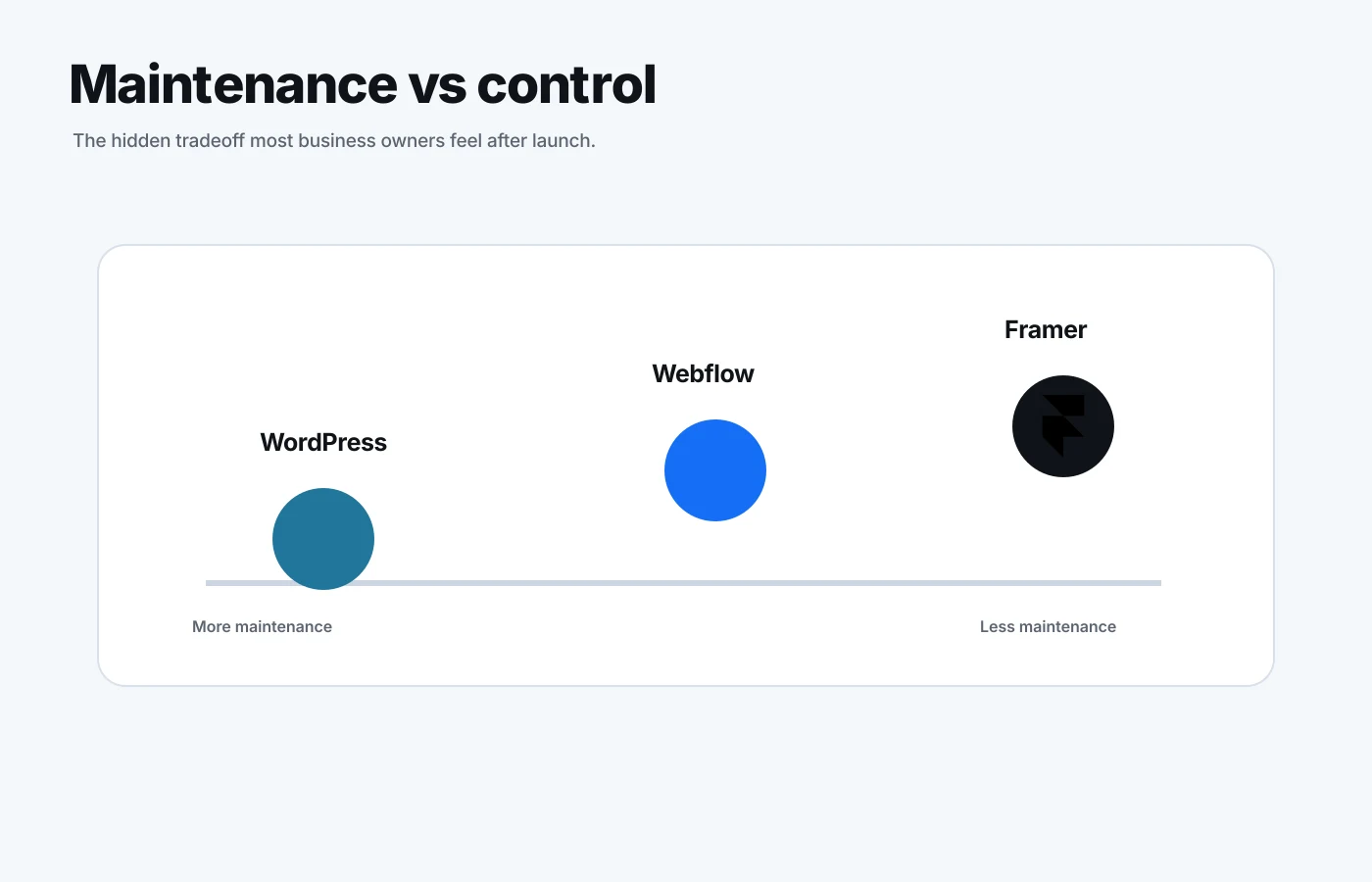
This is the category business owners often underestimate.
WordPress needs maintenance.
You need to update the core software, themes, plugins, backups, security settings, and sometimes PHP versions.
If you have a developer or technical team, that may be fine.
If you do not, it becomes another thing on your plate.
Webflow and Framer reduce that work. Hosting, security, SSL, platform updates, and core infrastructure are handled for you.
You still need to maintain content and design, but you are not maintaining a whole software stack.
Winner for maintenance: Webflow and Framer.
6. Flexibility
WordPress is the most flexible platform of the three.
You can extend it with plugins, custom code, custom post types, WooCommerce, membership systems, directories, LMS tools, booking engines, and more.
This is why WordPress is still useful.
If you need unusual functionality and want to stay inside a CMS, WordPress can be a good choice.
Webflow is flexible for marketing websites, CMS websites, and custom front-end experiences. But if you need complex back-end logic, user accounts, or app-like functionality, you will likely connect external tools or move to custom code.
Framer is less flexible. It is best when the site is mostly marketing, content, and conversion.
Winner for flexibility: WordPress.
WordPress Pros and Cons
WordPress is best when content, plugins, and long-term extensibility matter more than visual design control.
Pros
- Huge ecosystem: There is a plugin for almost anything.
- Strong blogging: It is still excellent for publishing.
- Flexible: You can build simple sites or complex content systems.
- Portable: You can choose your own hosting and development setup.
- Developer friendly: Many developers know WordPress.
Cons
- Maintenance: Updates, plugins, hosting, and security need attention.
- Plugin bloat: Too many plugins can slow the site down.
- Design friction: Custom design often needs a theme, builder, or developer.
- Security risk: Poorly maintained plugins can create problems.
- Messy handoff: Clients can break layouts if the admin is not set up well.
Best for: Blogs, publishers, SEO-heavy content sites, membership sites, plugin-heavy sites, and teams with technical support.
Webflow Pros and Cons
Webflow is my default choice for many business websites because it gives me control without creating a maintenance burden.
Pros
- Strong design control: Great for custom layouts and responsive systems.
- Clean CMS: Good for blogs, case studies, services, resources, and landing pages.
- Low maintenance: No plugin stack to babysit.
- Managed hosting: Security and hosting are handled.
- Good SEO controls: Enough for most serious business websites.
- Client friendly: Editors can update content without touching the design.
Cons
- Learning curve: It is not as simple as drag-and-drop tools.
- Platform lock-in: You are building inside Webflow's ecosystem.
- Custom functionality limits: Complex web apps need external tools or code.
- CMS limits: Large or unusual content systems may need planning.
- Cost: It can cost more than basic WordPress hosting.
Best for: Startup websites, SaaS websites, service businesses, agencies, landing pages, portfolios, case studies, and established companies that care about brand presentation.
Framer Pros and Cons
Framer is great when the site needs to look sharp and launch fast.
Pros
- Fast to launch: Great for MVPs, campaigns, and landing pages.
- Beautiful interactions: Motion and polish are easy to create.
- Design-friendly: It feels natural if you come from Figma.
- Managed hosting: Less technical work.
- Good for small teams: Founders and designers can move fast.
Cons
- Less proven for large sites: I would not use it for every content-heavy project.
- CMS is lighter: Good for simple content, not deep publishing workflows.
- Less plugin depth: Not as extendable as WordPress.
- Custom logic is limited: Better for marketing than complex systems.
- Scaling needs thought: A simple site can grow into something that needs Webflow or custom code.
Best for: Landing pages, startup launches, personal sites, small business websites, campaign pages, and visually polished service sites.
Which Platform Should Startups Use?
Startups should usually choose Webflow or Framer.
If you need a full marketing website with a homepage, product pages, comparison pages, case studies, blog, and scalable CMS, choose Webflow.
If you need a single landing page, waitlist page, investor-facing concept page, or quick product launch, choose Framer.
WordPress can work for startups too, but I would not start there unless content publishing is the main strategy or you need specific plugins.
For a SaaS startup like Brevidee, I chose Webflow because the site needed a stronger marketing structure.
It needed to explain the offer, support conversion, and feel credible as a software product.
Startup recommendation: Framer for speed. Webflow for scale.
Which Platform Should Established Businesses Use?
Established businesses should usually choose Webflow or WordPress.
If the website is mainly a brand, service, lead generation, or marketing site, I would choose Webflow.
It gives the business a more polished presentation and lower maintenance.
If the website has years of blog content, complex SEO workflows, multiple authors, advanced plugins, or technical integrations, WordPress may still make sense.
The decision depends on whether the website is more like a marketing asset or more like a publishing system.
Established business recommendation: Webflow for marketing and brand. WordPress for deep publishing and complex plugin needs.
Which Platform Should Law Firms, Consultants, and Service Businesses Use?
Service businesses need trust.
They need clear positioning, strong case studies, a good about page, services pages, testimonials, and a direct call to action.
They usually do not need a heavy technical stack.
That is why Webflow and Framer are strong options.
For Fox Berman, a law firm website I designed in Framer, the goal was not to build a complex publishing machine.
The goal was to create a clear, premium, credible website.
Framer worked well for that.
For a larger law firm with many attorneys, practice areas, locations, articles, and gated content, I would look more seriously at Webflow or WordPress.
Service business recommendation: Framer for small and focused sites. Webflow for larger service websites.
Which Platform Is Best for Landing Pages?
Framer is excellent for landing pages.
It is fast, visual, and easy to polish.
If you are testing an offer, building a campaign page, launching a new product, or creating a one-page website, Framer can be the fastest choice.
Webflow is also excellent for landing pages, especially when the page is part of a larger website or needs CMS-driven sections.
WordPress can build landing pages, but it often requires a builder plugin or custom template.
That can work, but it is rarely the fastest path.
Landing page recommendation: Framer for standalone pages. Webflow for landing pages inside a larger site.
When I Would Choose WordPress
I would choose WordPress if:
- The blog is the main product.
- The site needs lots of authors and editorial workflows.
- The business needs specific plugins.
- The site needs WooCommerce.
- The team already has WordPress developers.
- The client wants full hosting control.
- The site has complex content relationships.
WordPress is not bad.
It is just more work.
If you have the right reason to use it, it can be a smart choice.
When I Would Choose Webflow
I would choose Webflow if:
- The website needs to look custom and premium.
- The business needs a CMS but not a giant publishing system.
- The team wants low maintenance.
- The site needs strong brand storytelling.
- The website has services, case studies, blog posts, resources, and landing pages.
- The client wants to update content without breaking the design.
- SEO matters, but the team does not want plugin management.
This is why I use Webflow for my own website.
For my work, it gives me the best balance.
When I Would Choose Framer
I would choose Framer if:
- The site needs to launch quickly.
- The project is a landing page or small website.
- The design needs motion and polish.
- The team is founder-led or design-led.
- The CMS needs are simple.
- The site does not need complex integrations.
- The goal is to validate an offer before building a larger site.
Framer is especially useful when speed matters more than long-term CMS depth.
My Personal Take
If I had to simplify it, here is how I see the three platforms:
WordPress is the most flexible.
Webflow is the best all-around business website platform.
Framer is the fastest way to launch a polished marketing page.
My own path reflects that.
I started with WordPress because it was the obvious choice for blogging and SEO.
I moved to Webflow because I wanted better design control and less maintenance.
I used Framer because it is fast and visually strong for landing pages.
Now I also use custom Next.js when I want full control.
But for most clients, custom code is not the first recommendation.
Most businesses need a site they can actually maintain.
That is why I still recommend Webflow so often.
Final Verdict: WordPress vs Webflow vs Framer
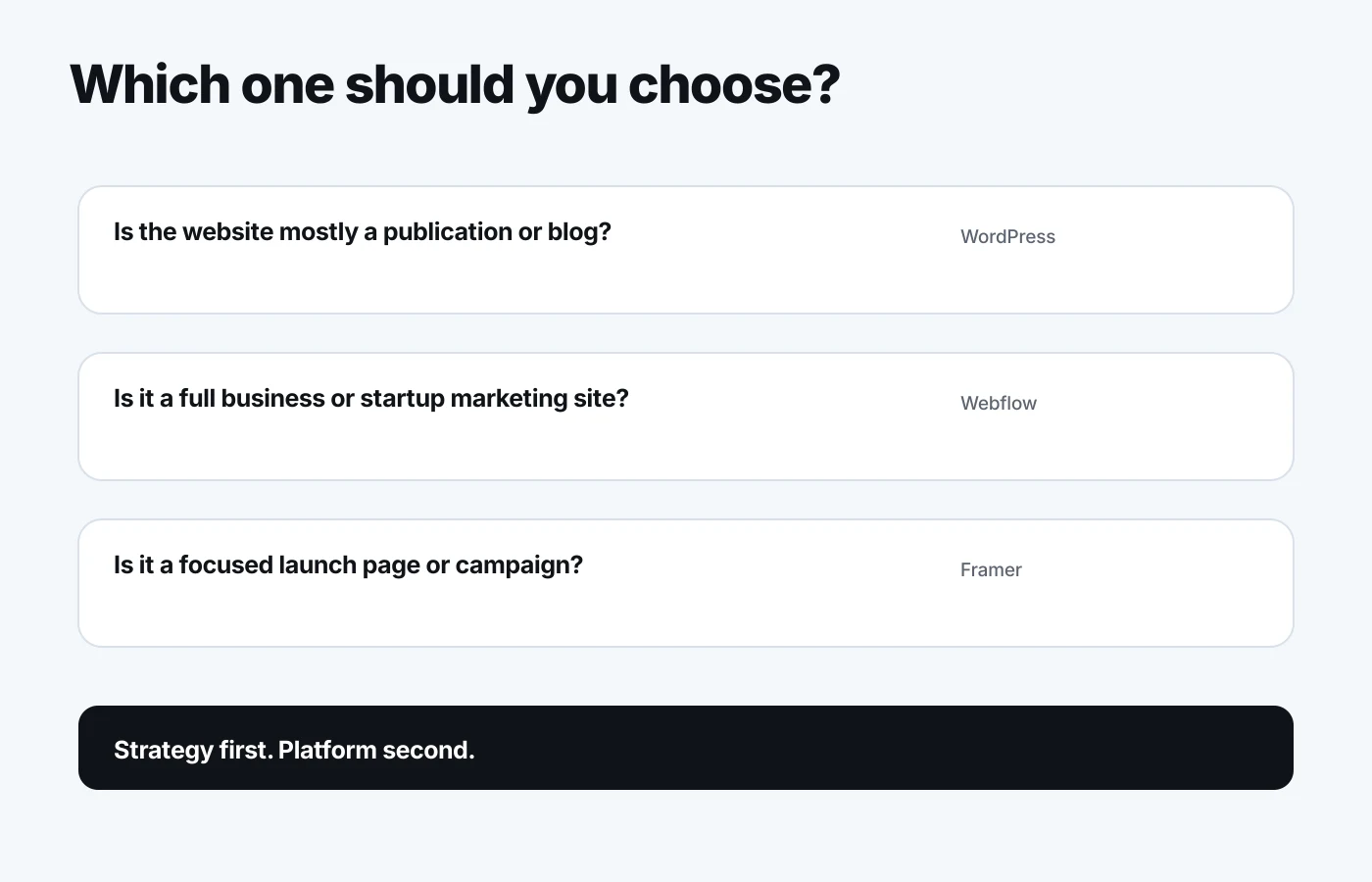
If you want the safest choice for a modern business website, choose Webflow.
If you want the strongest publishing platform, choose WordPress.
If you want the fastest way to launch a polished landing page, choose Framer.
Here is the simple decision guide:
| Website Type | Best Choice |
|---|---|
| Startup website | Webflow |
| Startup landing page | Framer |
| SaaS website | Webflow |
| Law firm website | Framer or Webflow |
| Established business website | Webflow |
| Heavy blog or publication | WordPress |
| Simple portfolio | Framer |
| SEO content hub | WordPress or Webflow |
| Custom web app | Custom code |
The platform matters.
But the strategy matters more.
A weak message on Webflow will still fail.
A confusing offer on Framer will still fail.
A bloated WordPress site with thin content will still fail.
Choose the platform that matches your business model, content needs, and stage.
Then focus on the website itself: positioning, structure, copy, design, SEO, and conversion.
That is what makes the difference.
Frequently Asked Questions
Is Webflow better than WordPress?
Webflow is better than WordPress for many modern business websites because it gives you stronger visual design control, managed hosting, and lower maintenance. WordPress is better when you need deep blogging, plugins, custom publishing workflows, or full hosting control.
Is Framer better than Webflow?
Framer is better than Webflow for quick landing pages, startup launches, and smaller visual websites. Webflow is better for larger business websites with more CMS structure, case studies, services, resources, and long-term content needs.
Is WordPress still worth using?
Yes, WordPress is still worth using if your website depends on publishing, plugins, WooCommerce, memberships, or custom content workflows. I would not choose it just because it is familiar. I would choose it when the project actually needs its flexibility.
Which is best for SEO: WordPress, Webflow, or Framer?
WordPress and Webflow are the strongest SEO choices for most websites. WordPress has more SEO plugins and flexibility. Webflow has cleaner built-in SEO controls and less maintenance. Framer can rank too, but I would use it for simpler content and landing pages.
Which is best for a startup website?
Webflow is usually best for a startup website that needs to scale beyond one page. Framer is best for a startup landing page, MVP page, waitlist page, or fast launch. WordPress is best only if the startup's growth strategy is heavily content-led.
Which platform do I use for my own website?
I used WordPress for over 10 years, then moved ebaqdesign.com to Webflow over 6 years ago. I also used Framer for a separate landing page at ebaq.design, and I now also have custom Next.js work. So my recommendation comes from using all of them, not just comparing features.
Need Help Choosing the Right Platform?
If you are planning a new website and you are not sure whether to use WordPress, Webflow, Framer, or custom code, I can help you make the right call.
I design brand identities and websites for startups, SaaS companies, law firms, consultants, and established businesses.
Book a call here: https://www.ebaqdesign.com/start
Want a custom Webflow website?
I design websites in Figma and build them in Webflow, with the CMS set up so your team can publish without a developer. Design takes about a week at $3,000; the build adds one or two.