

Web Design
Kimi K3 vs. Web Designer: Is AI Better Than Human?
Published on Jul 24, 2026
Kimi K3 and other AI coding tools can now build websites surprisingly fast, but the important question is whether they can replace a senior web designer.
After testing this workflow on a real client project, my answer is simple: AI is useful, but it is not the art director.
The strongest results came when I treated AI as an execution assistant, not as the source of the idea.
I still had to define the brand, design the key sections, choose the visual direction, and judge the final quality.
Start With the Before and After
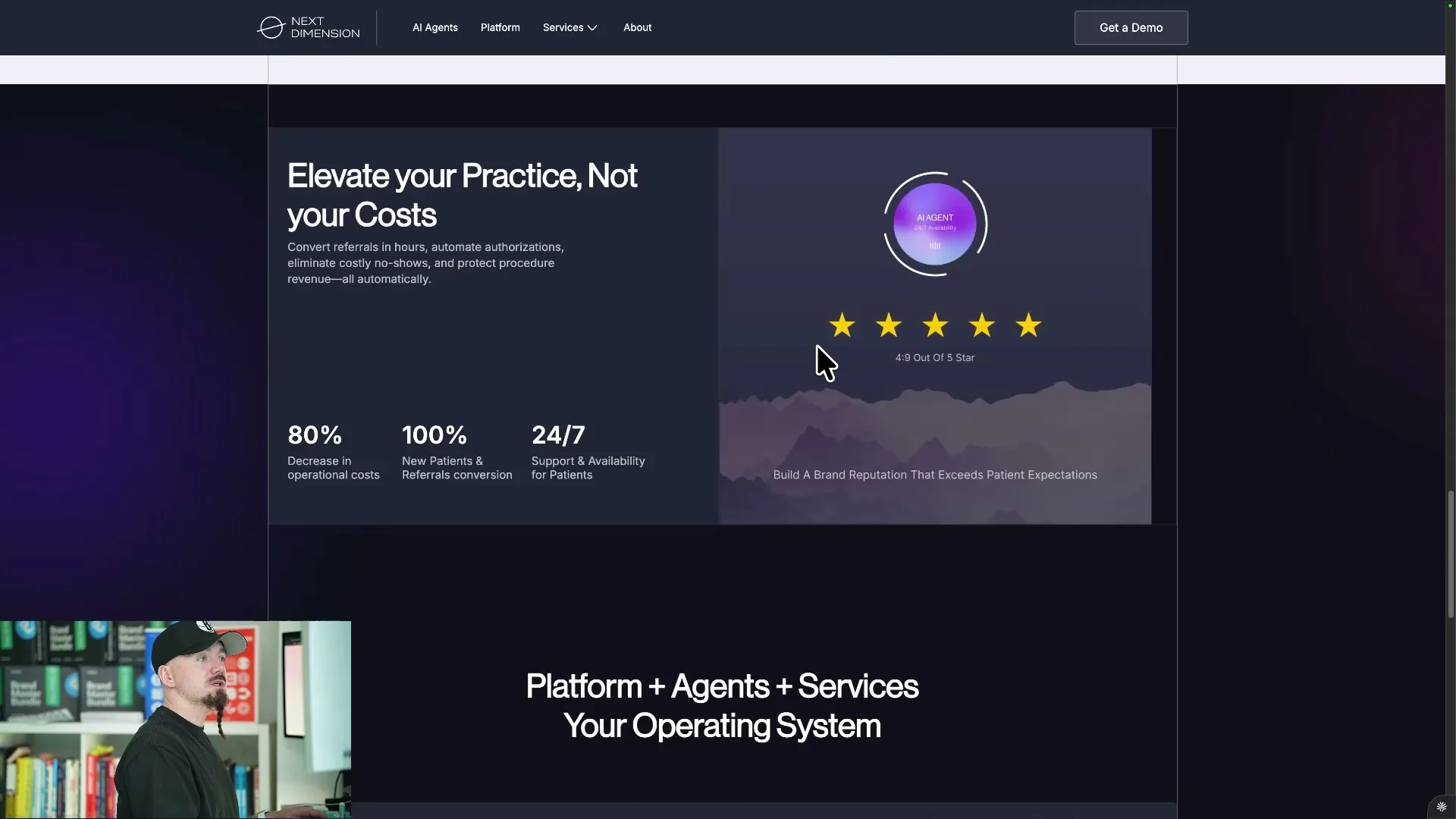
The project started with a client website that looked generic and unfinished.
The new direction needed to feel more premium, more intentional, and more aligned with the brand.
The final version used a custom shader, animated feature cards, refined typography, and a more distinctive visual system.
That difference did not come from asking AI to make a website from scratch.
It came from giving AI a clear system to execute.
The Idea Still Needs to Come From You
The biggest mistake I see is expecting AI to make every design decision for you.
That is not how I think designers should use it.
The direction needs to come from you first.
AI can help with production, but it needs a strong brief, a defined style guide, and a clear visual source of truth.
In this project, I first defined the logo, colors, fonts, layout direction, and custom visuals.
Only after that did I use AI to help turn the design into a working website.
Use Figma as the Visual Source of Truth
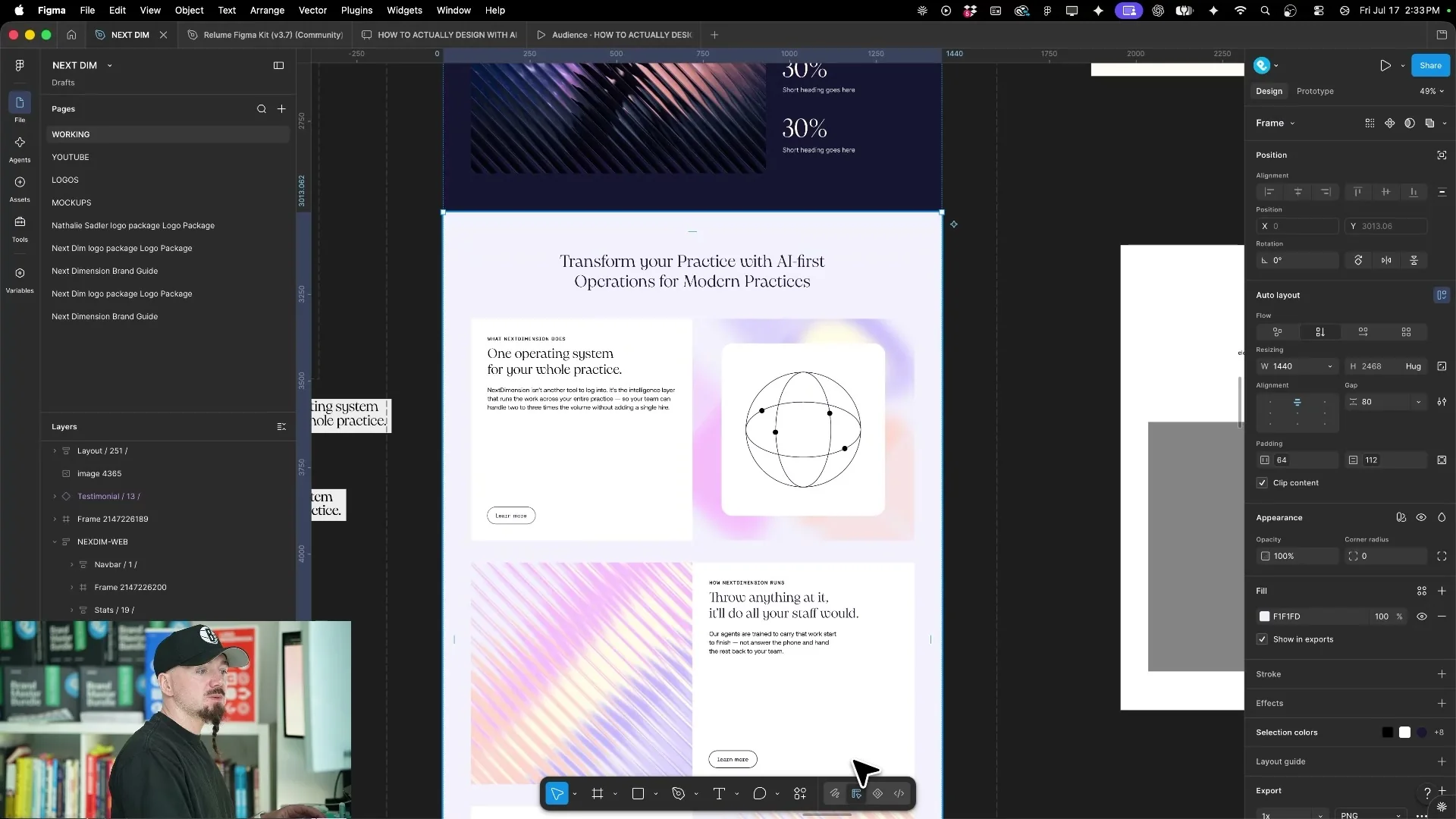
I still design the most important parts of the website in Figma.
That includes the brand system, the key components, and the sections that make the site feel premium.
This matters because some things are faster to design directly than to explain repeatedly to AI.
AI can change fonts, update colors, place images, rewrite content, and help with repetitive layout work.
But the taste, hierarchy, and creative judgment still need to come from the designer.
Use Relume to Keep the Structure Clean
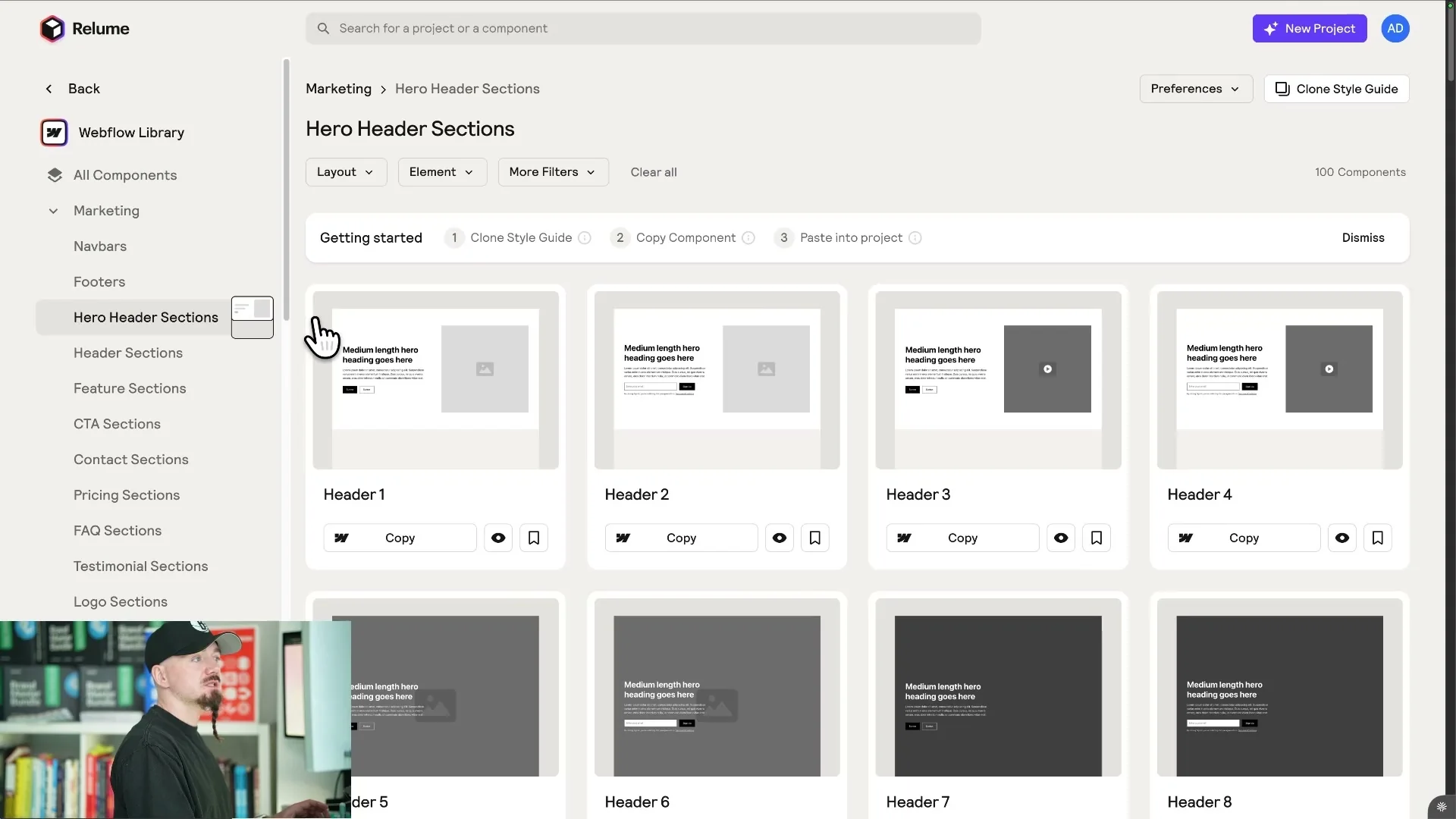
For the base structure, I like using Relume components because they give me a strong system before AI gets involved.
Relume gives you a Figma library, Webflow components, React components, and responsive layouts out of the box.
That matters because AI tends to break things when it has no structure.
When you start from a tested component system, AI has a cleaner foundation to work with.
Instead of inventing random sections, it can adjust existing components to match the design.
This makes the workflow more predictable and much faster.
Set Up Guardrails Before AI Touches the Website
One of the most important steps is setting up clear instructions before asking AI to build anything.
I use an AGENTS.md file so the AI knows how the project should be handled.
The instruction is basically: do not design from scratch, do not create random new classes, and do not invent a new system.
The Figma design is the visual source of truth.
The Webflow style guide is the implementation system.
AI’s job is to help execute inside those constraints.
Connect Figma and Webflow Through MCP
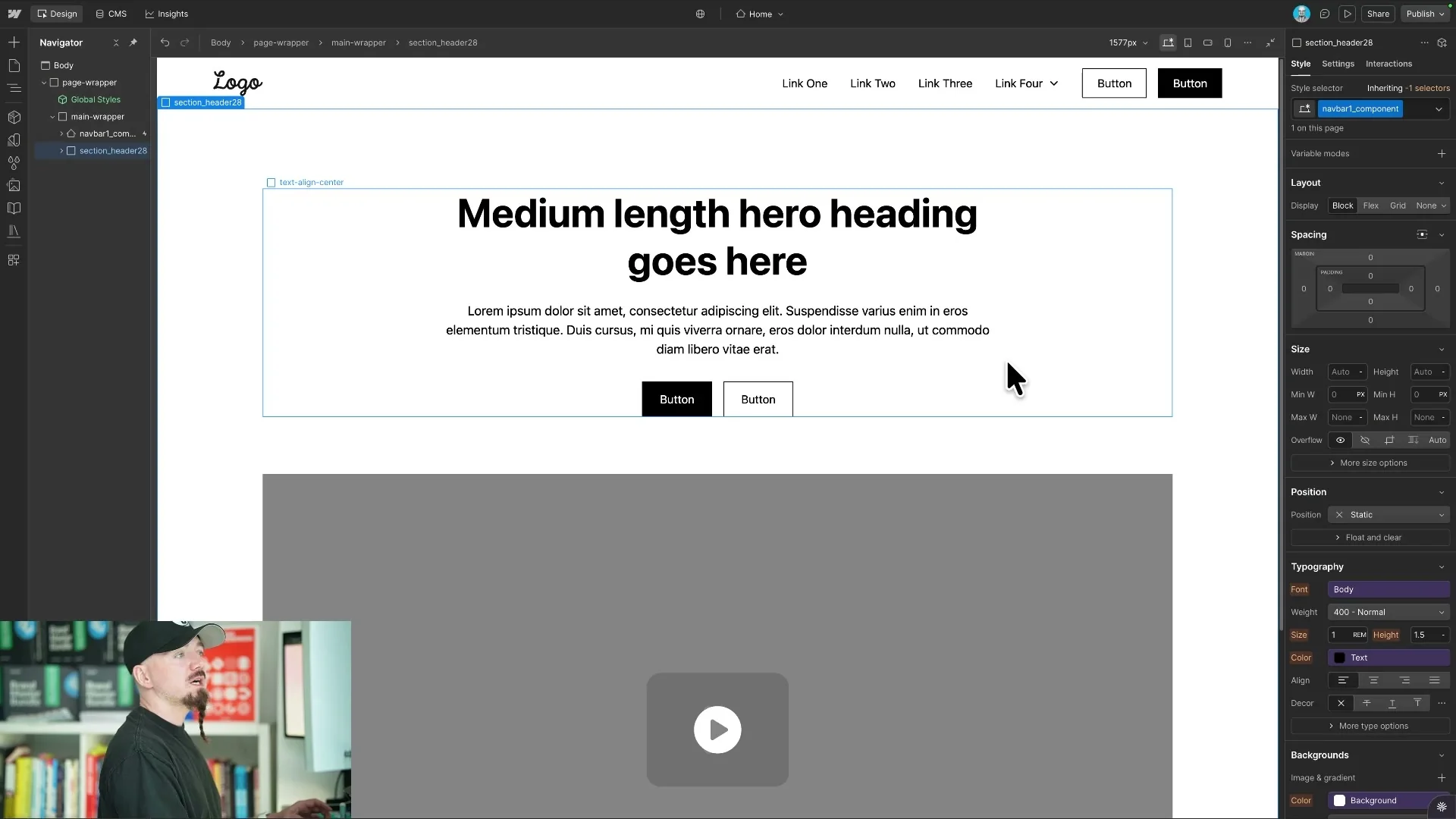
Once the project structure is ready, I connect the Figma MCP and the Webflow MCP.
This lets AI inspect the selected Figma design and then help recreate it inside Webflow.
The workflow is usually section by section.
I paste the right Relume components, point AI to the Figma design, and ask it to match the styling, assets, spacing, and structure.
Because the style guide and shared classes already exist, the output is much closer from the start.
That is what prevents the process from turning into messy patchwork.
Use AI for Shaders and Custom Code
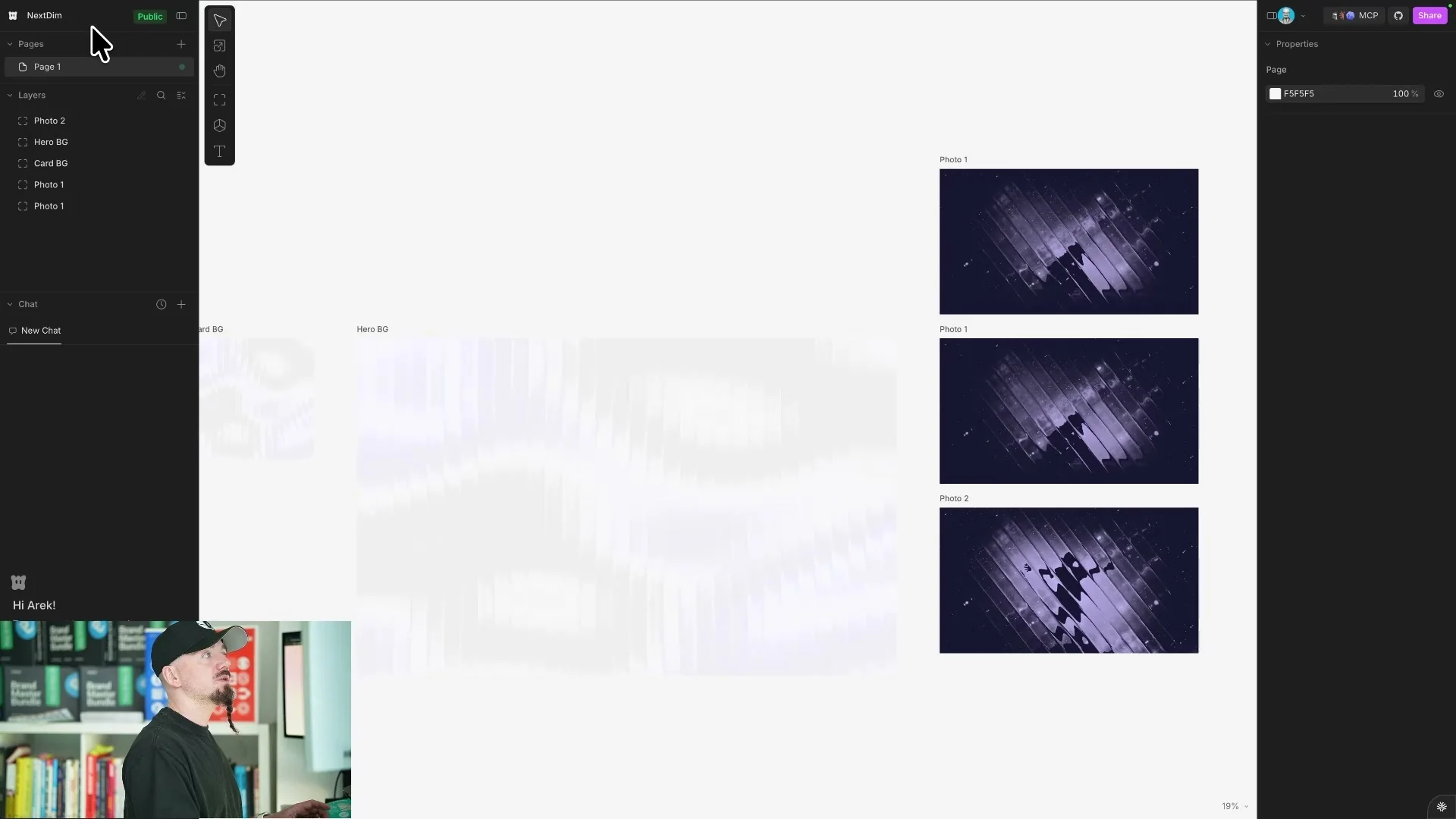
The custom shader was one of the places where AI became genuinely useful.
I used a shader tool to create the visual effect, copied the code, and then asked AI to implement it in the hero section.
This is the right kind of task for AI because the design direction was already clear.
I was not asking it to invent the look.
I was asking it to implement a chosen visual effect in the right place.
That distinction is important.
Use AI for Motion, but Give It Direction
The same rule applies to animation.
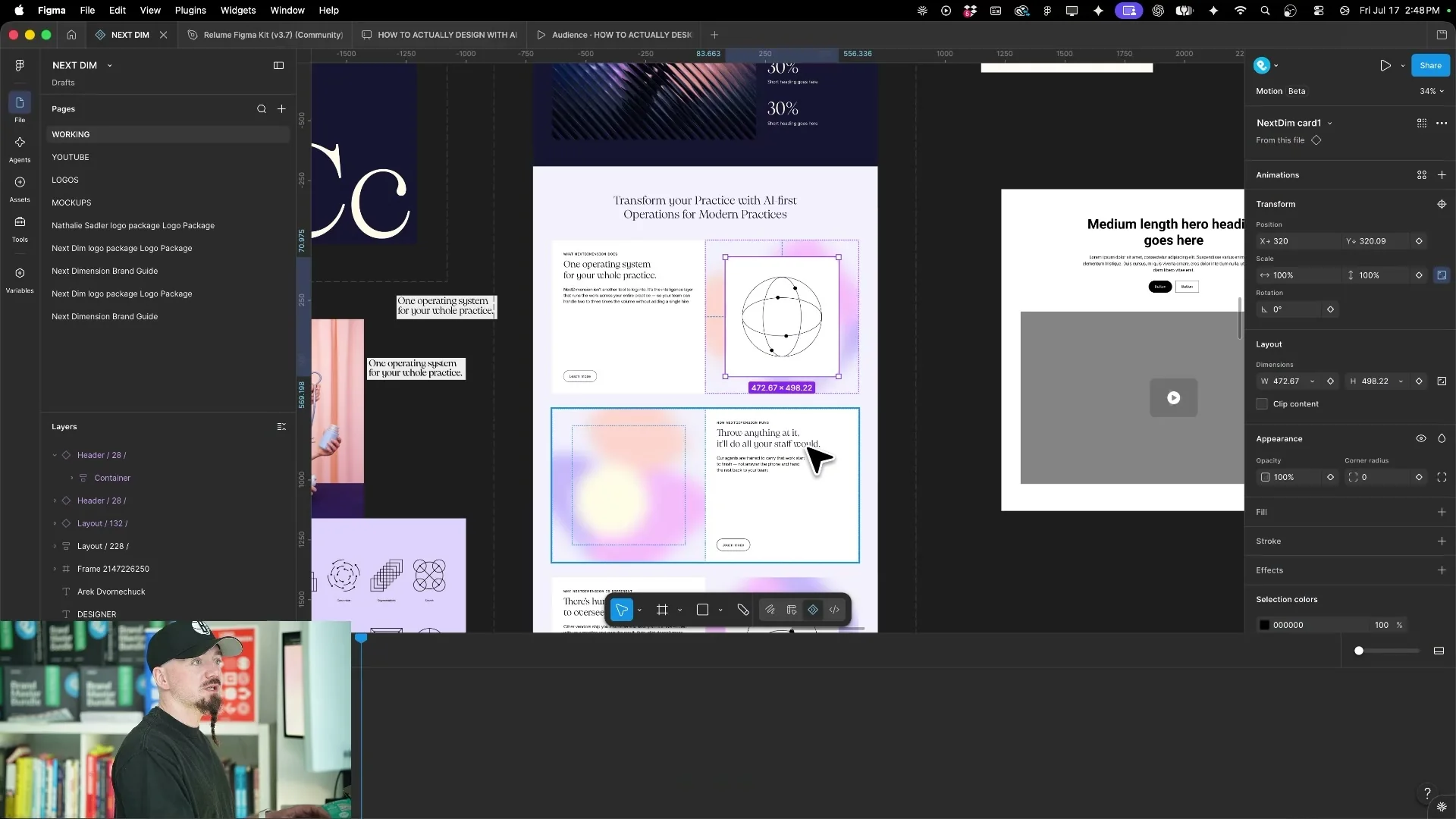
I used Figma Motion and AI to help create animated cards, looped motion, and small interaction details.
But I still started with references and a clear idea.
For example, I liked the idea of fine-line abstract illustrations with dots moving along a path.
That motion supported the concept of one operating system for the whole practice.
AI helped with the execution, but the meaning and direction came first.
The Best Workflow Is Section by Section
I do not ask AI to build the whole website in one pass.
I work section by section.
That keeps the output easier to review, easier to correct, and easier to control.
Each section starts with an approved design direction, a matching component, and a clear implementation task.
This is slower than a single prompt, but it produces a better website.
For premium client work, that tradeoff is worth it.
So, Is Kimi K3 Better Than a Web Designer?
No.
Kimi K3 and similar tools can speed up the production process, but they do not replace the designer’s judgment.
The designer still needs to define the brand, create the visual direction, choose the right components, and judge whether the final result is good enough.
AI is strongest when it handles the mundane execution work.
It can upload assets, adjust classes, help with custom code, implement animation, and reduce repetitive production time.
But the quality still depends on the person directing it.
Conclusions
This workflow is the fastest way I have found to deliver premium websites without letting AI lower the quality.
The process starts with brand strategy, visual direction, Figma design, and a reusable component system.
Then AI helps with implementation, styling, shaders, animations, and Webflow production.
That is the role AI should play in a serious design workflow.
It should help you move faster without replacing the decisions that make the work valuable.
If you need a premium website with a clear brand system, start a project with me.
Ready to build a brand people remember?
Tell me what you’re launching, changing, or trying to make look better.