
Logo Design
How to Use Ideogram for Logo Design in 2026
Published on Jan 27, 2026
Ideogram is an AI-powered image generation software that can be a valuable asset in your logo design process.
Some people say it's better than Midjourney because of the fact that it can generate images with pretty accurate text (which is often not the case with other AI art generators.
While it may not replace professional designers, it can significantly speed up the ideation phase and help you explore a wide range of creative concepts quickly.
You can quickly generate some ideas and bring them to illustrator, then vectorize them and polish htings up.
In this article, we'll explore how to use Ideogram effectively for logo design, with examples of prompt ideas to help you create unique and creative logo ideas.
PS. I have a premium Ideogram account ($20/mo), but on the free account you get 10 prompts a day to try it out!
Table of Contents
- Choose the type of logo you want
- Wordmark
- Mascot
- Emblem
- Use the names of famous designers
- Paul Rand
- Piet Mondrian
- Keith Haring
- Describe the artistic technique
- Outline
- Gradient
- 3D Vector
1. Choose the type of logo you want
The first step in using Ideogram for logo design is to decide on the type of logo you want. Here are three popular types you can explore:
Wordmark
Wordmarks are text-only logos that focus on the company or brand name. They're great for businesses with strong, distinctive names.
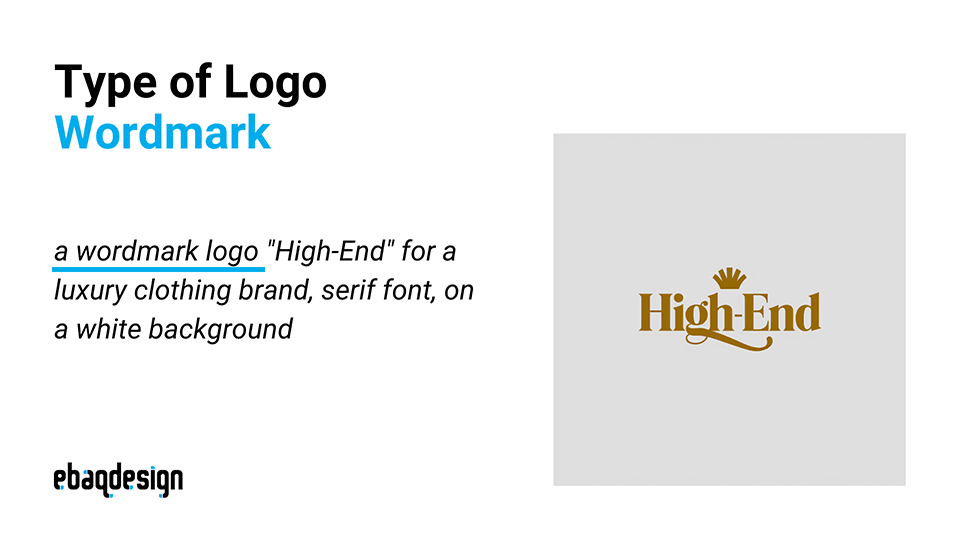
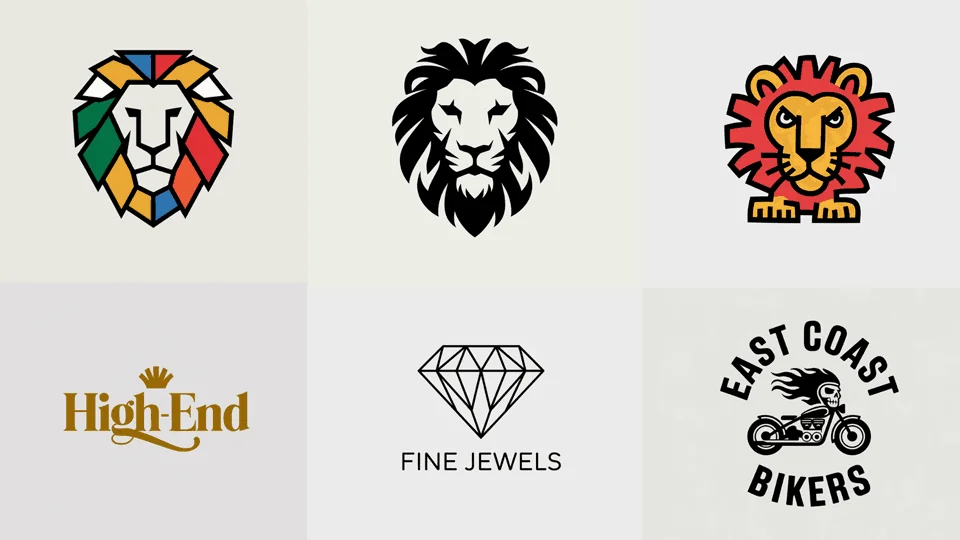
Prompt: "a wordmark logo "High-End" for a luxury clothing brand, serif font, on a white background"
Result: Ideogram generated a clean logo set in a bold serif font with good kerning and a nice ligature. The AI added a creative touch with a crown symbol above the text. The entire wordmark is rendered in a luxurious gold color, perfectly capturing the high-end, luxury feel requested in the prompt.
Mascot
Mascot logos feature an illustrated character that represents your brand. They're often used by sports teams, food brands, and companies targeting younger audiences.
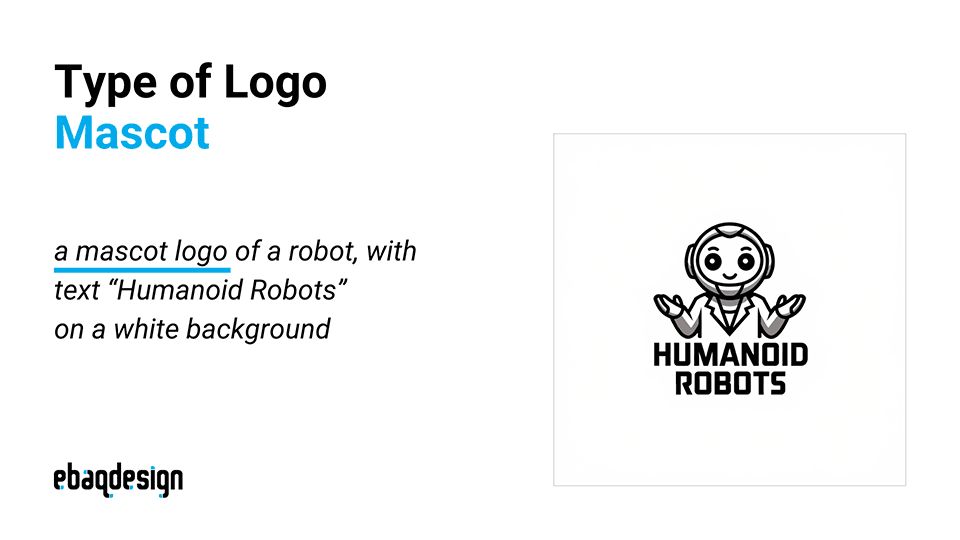
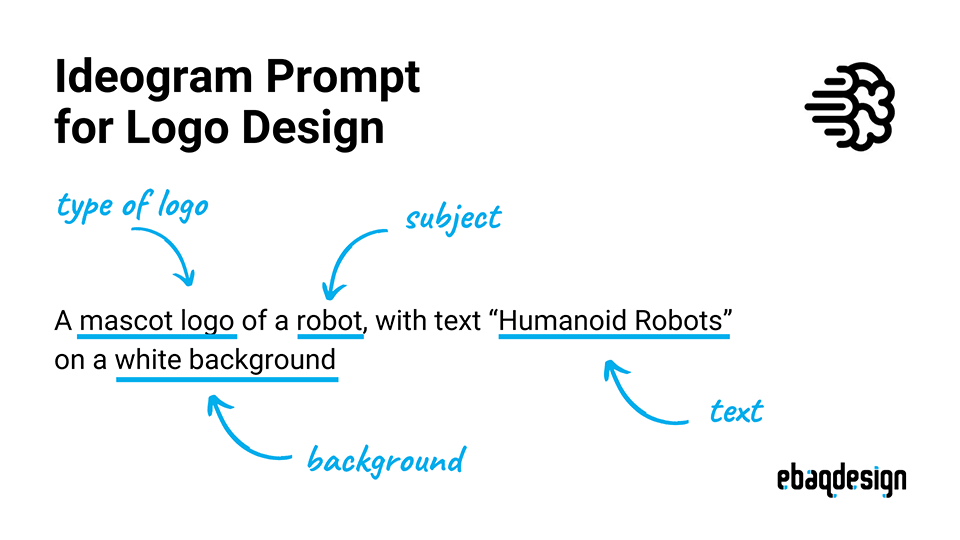
Prompt: "a mascot logo of a robot, with text "Humanoid Robots" on a white background"
Result: Ideogram created a simple yet effective illustration of a robot, paired with the brand name underneath. The text "Humanoid" is set in a unique, futuristic all-caps bold font, with "Robots" in a smaller font below. The overall design is nicely stacked and balanced, creating a cohesive and memorable logo.
Emblem
Emblem logos typically contain text inside a symbol or icon. They often have a traditional appearance that conveys a sense of legacy or authority.
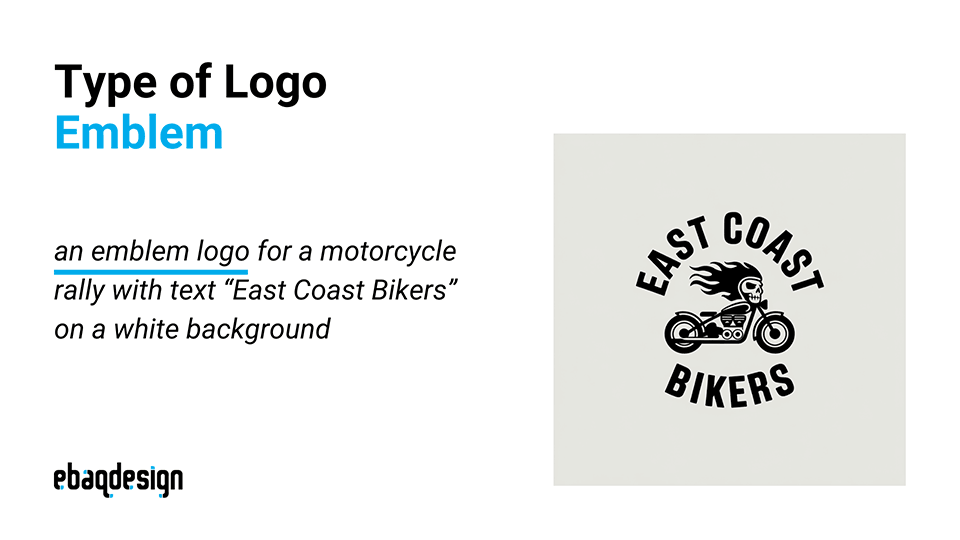
Prompt: "an emblem logo for a motorcycle rally with text "East Coast Bikers" on a white background"
Result: The AI produced a simple monochrome logo in all black. It features a bike icon in the center with creative additions of a skull and flames. The text "East Coast Bikers" is set in an arched, retro-style all-caps bold font around the central emblem, creating a classic motorcycle club feel.
2. Use the names of famous designers
Incorporating the names of famous designers in your prompts can help guide Ideogram towards specific styles and aesthetics. Here are examples using three renowned designers:
Paul Rand
Paul Rand was known for his minimalist, iconic designs that stood the test of time.
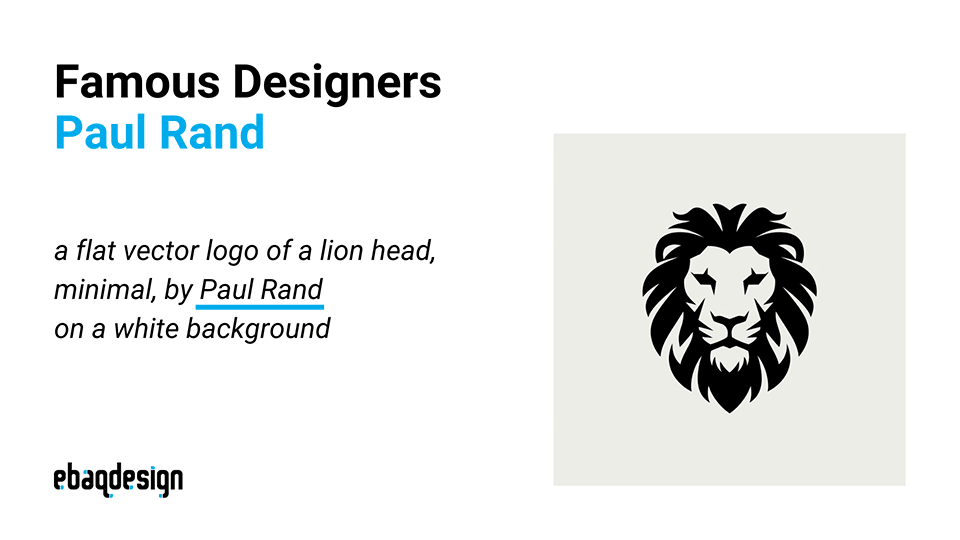
Prompt: "a flat vector logo of a lion head, minimal, by Paul Rand on a white background"
Result: Ideogram generated a minimalist lion head logo with clean lines and symmetry. The design shows a good balance between positive and negative space, capturing the essence of Paul Rand's style.
Piet Mondrian
Piet Mondrian was famous for his abstract paintings using geometric shapes and primary colors.
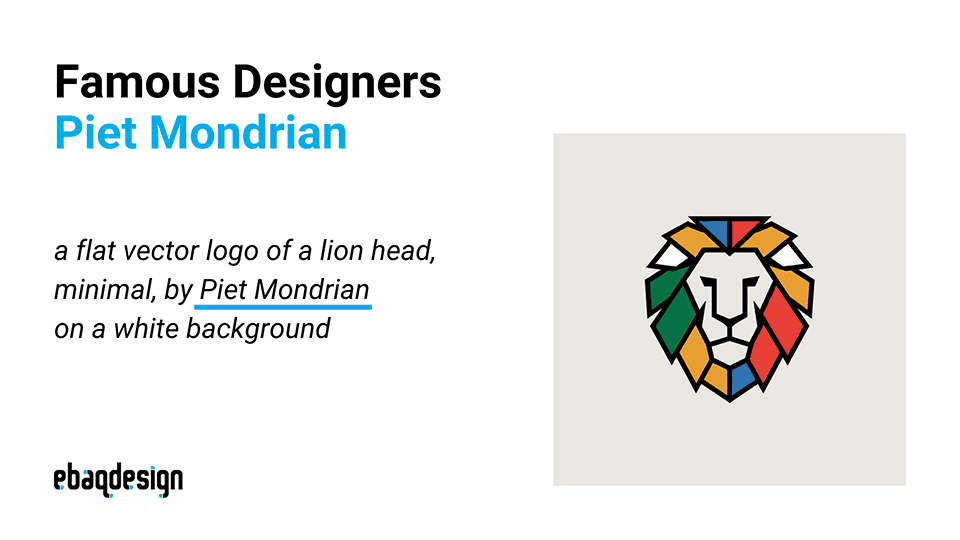
Prompt: "a flat vector logo of a lion head, minimal, by Piet Mondrian on a white background"
Result: The AI created a striking logo using geometric shapes in various colors with a bold outline, characteristic of Mondrian's style. While not a traditional lion representation, it's an abstract and modern take on the concept.
Keith Haring
Keith Haring was known for his bold, energetic line drawings and cartoonish figures.
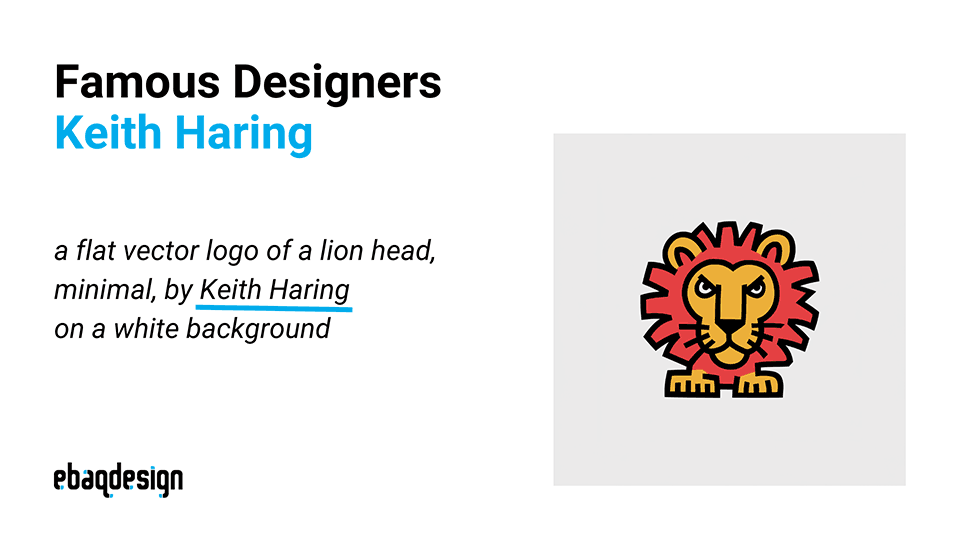
Prompt: "a flat vector logo of a lion head, minimal, by Keith Haring on a white background"
Result: Ideogram successfully imitated Keith Haring's distinctive style, creating a logo that could be used as a company emblem with minimal touch-ups. The design captures Haring's characteristic bold lines and playful energy.
3. Describe the artistic technique
Specifying particular artistic techniques in your prompts can help you achieve specific visual effects. Here are three techniques you can explore:
Outline
Outline logos use simple lines to create recognizable shapes and forms.
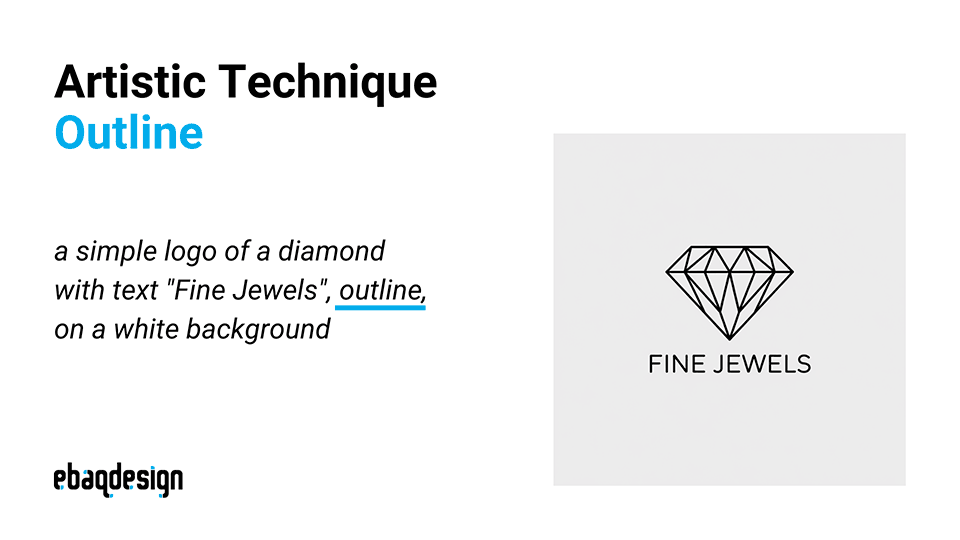
Prompt: "a simple logo of a diamond with text "Fine Jewels", outline, on a white background"
Result: Ideogram produced a clean-looking logo with a simple outline of a diamond. The geometric shape pairs well with the brand name underneath, set in a font with a similar line weight, creating a cohesive design.
Gradient
Gradients can add depth and visual interest to a logo design.
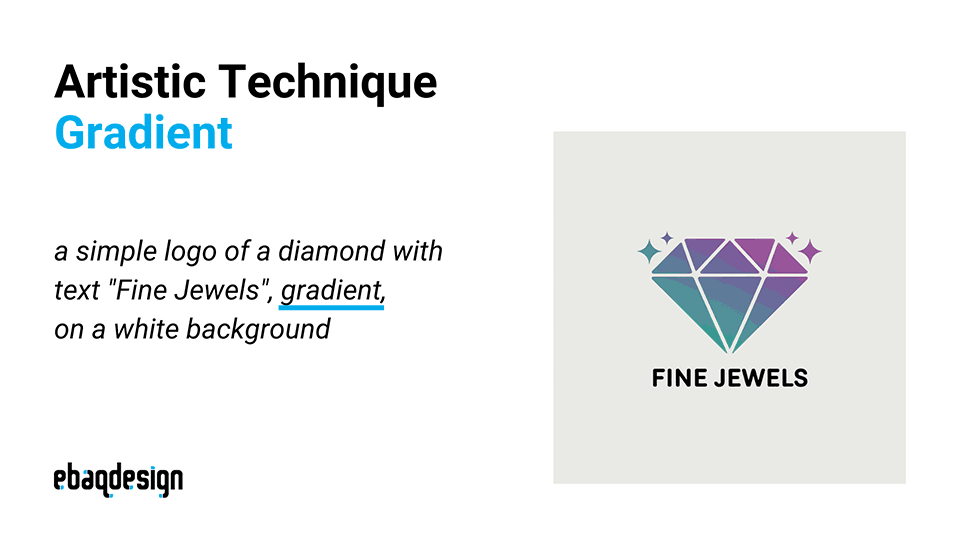
Prompt: "a simple logo of a diamond with text "Fine Jewels", gradient, on a white background"
Result: The AI created a clean diamond logo incorporating gradients as requested. It added a creative touch with small stars, suggesting the sparkle of fine jewelry. This design effectively communicates the "Fine Jewels" concept.
3D Vector
3D effects can make a logo stand out and appear more modern and dynamic.
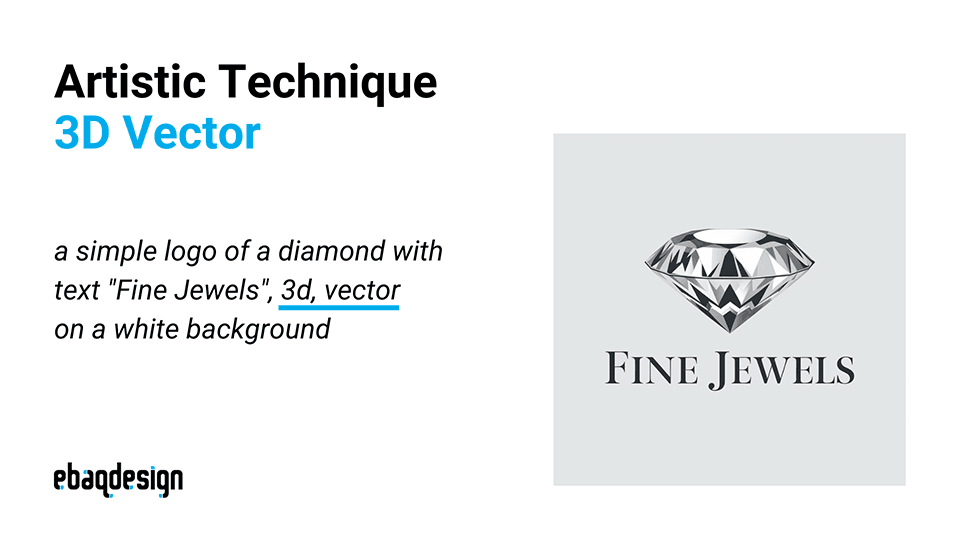
Prompt: "a simple logo of a diamond with text "Fine Jewels", 3d, vector on a white background"
Result: Ideogram generated a logo featuring a 3D representation of a diamond, paired with the text "Fine Jewels" in a great sans-serif typeface. The 3D effect adds depth and sophistication to the design.
Conclusion
Ideogram proves to be one of the best AI generators that we can use for logo design so far—it creates nice looking logos and with accurate text (for the most part).
By choosing the right type of logo, referencing famous designers, and specifying artistic techniques, you can guide the AI to generate a wide range of useful ideas that aid you in your design process.
While the results may not be final designs, they provide excellent starting points that can be refined and polished by a professional designer.
Remember, the key to getting great results with Ideogram lies in crafting detailed, specific prompts—try to describe exactly what you want.
Also check out the new Ideogram feature "Magic Prompt"—which automatically enhances your initial prompt to improve image variety and richness.
Experiment with different combinations of logo types, designer styles, and artistic techniques to explore the full range of possibilities.
Ready to build a brand people remember?
Tell me what you’re launching, changing, or trying to make look better.