


Web Design
Relume AI Website Builder Tutorial in 2026 (Quick Guide)
Published on Jan 27, 2026
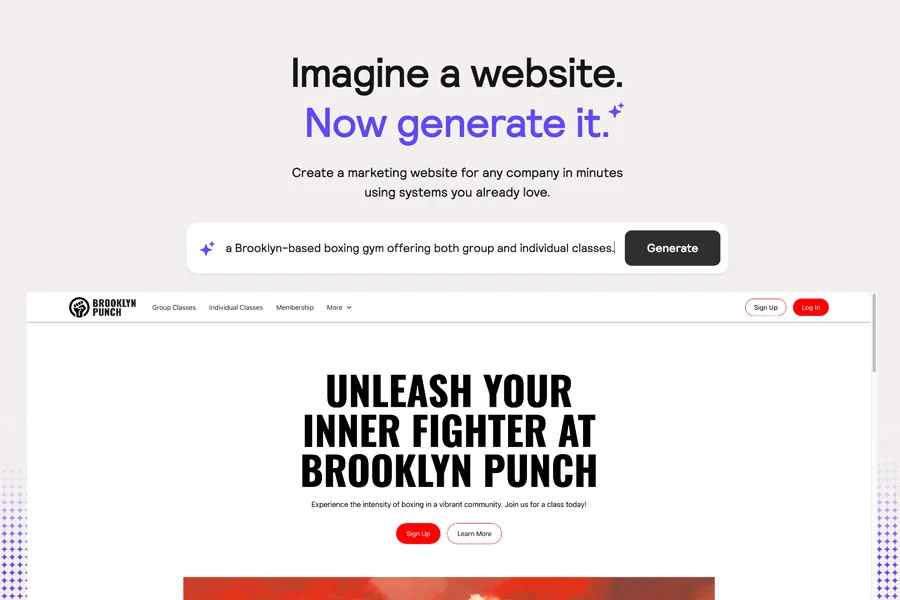
Are you tired of spending countless hours on web design tasks like creating sitemaps, wireframes, and writing copy?
With the advancement of artificial intelligence (AI), you can now automate and streamline a big chunk of your web design process.
In this article, we will explore how Relume's new AI website builder can save you time and effort, allowing you to design websites more efficiently.
BTW. Watch the video version of this tutorial on my YouTube channel.
Streamline Your Process
Relume's new AI-powered website builder offers a range of features that can simplify your web design process.
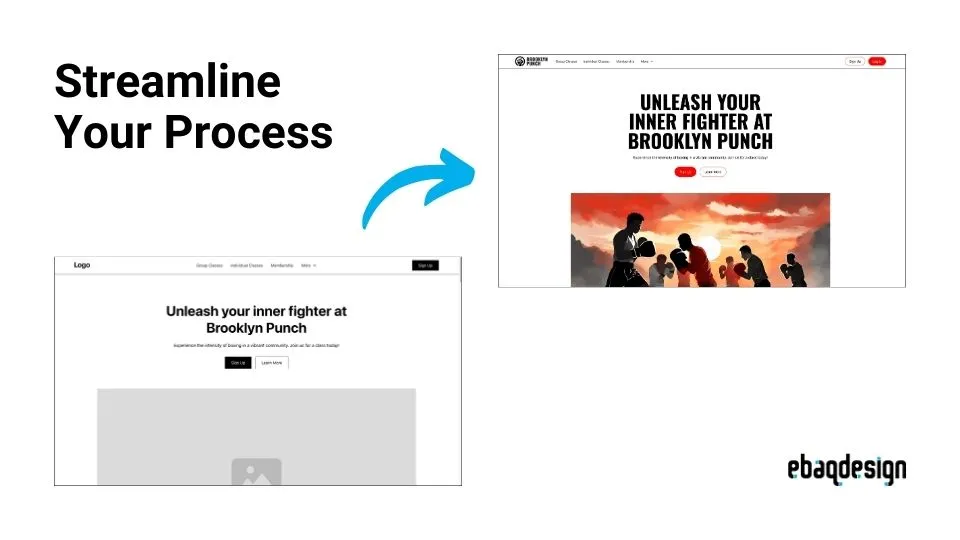
It starts by generating you a sitemap and providing ideas for different sections of your website.
For instance, in my video tutorial you can watch me building a website for Brooklyn Punch, a boxing gym.
The A.I. builder suggested including a hero header section to highlight the energy of the gym and a feature section below to showcase the benefits of boxing.
It also suggests listing amenities, like: modern equipment, nutrition bars, locker rooms etc.
The ideas it gives are really good, and pretty much consistent with what you would write yourself.
Generating Wireframes
Once you've finalized the website structure, Relume's A.I. builder can automatically generate wireframes, including header sections, features, testimonials, and more.
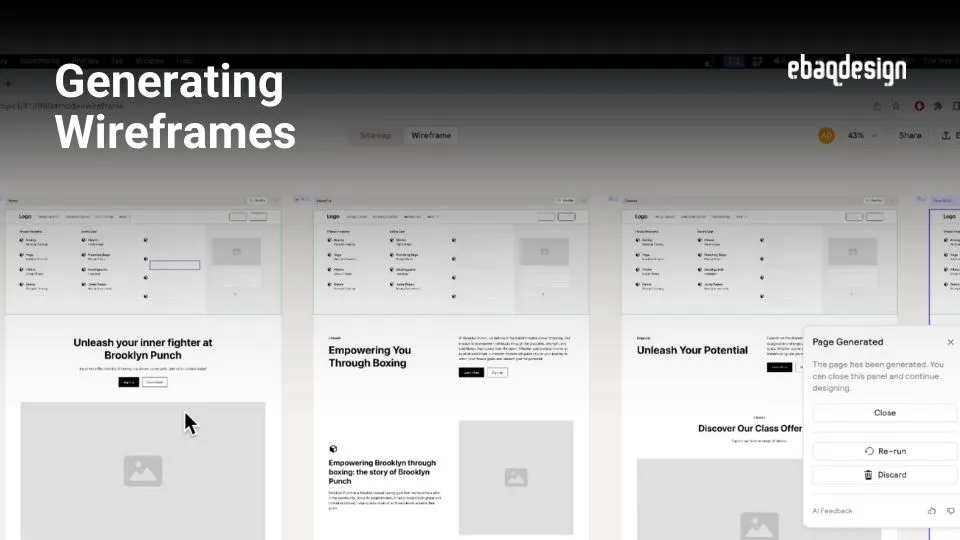
These wireframes serve as a starting point for your design and save you valuable time.
No need to spend time on mundane tasks like strategizing what sections you should build, in what order etc.
Of course, if you're not satisfied with the initial wireframes, you can easily regenerate them until you find the perfect fit for your website.
Integration with Webflow
If you're designing a simple website, you can copy the wireframes directly to Webflow (a popular web design platform) and work with them right there.
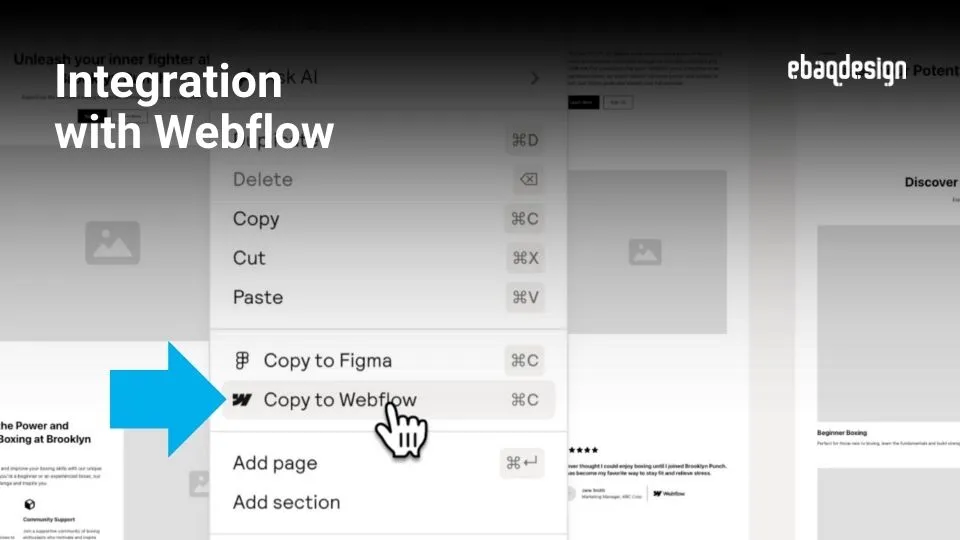
First, create a new site in Webflow and then copy over the style guide that will help you later on customize the wireframes.
Once we've done that, then you can easily copy and paste other wireframes from Relume to Webflow (like: about us, contact page etc.)
Customizing the Design
With the wireframes on Webflow, you can start customizing the design to make it unique.
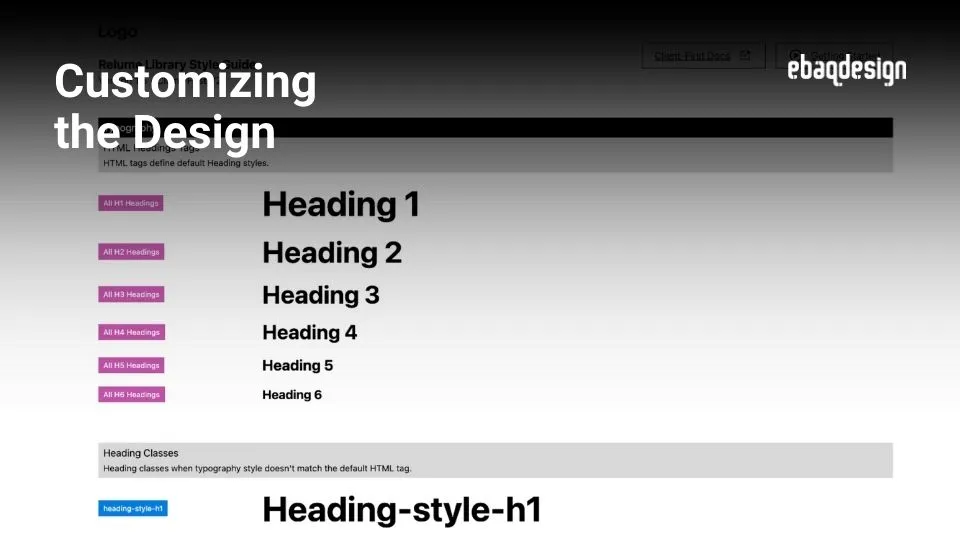
First, upload your logo, then change the typefaces, and adjust the font sizes to create a visually appealing website.
Also update other styles like colors, buttons, quotes, backgrounds etc. — all while ensuring consistency across entire website.
Adding Visuals
Then just add photos or illustrations and voila!

You can also enhance the overall look of your website with icons, patterns, and even 3d objects!
For example, for my boxing gym website, I generated illustrations of boxing scenes by using Adobe Firefly.
Remember that these days we can use various AI generators to quickly get custom images for our websites in just seconds.
Publishing the Website
Once you're satisfied with the design, you can publish the website directly on Webflow.

In just a matter of hours, you can get from generating wireframes to customizing the design and creating a fully responsive website.
Relume's A.I. website builder is a truly game-changer!—Enabling us to build websites faster and more efficiently.
Conclusion
In this tutorial, Ive explored how Relume's new A.I. website builder streamlines the web design process.
By automating tasks like sitemap generation, wireframe creation, and copywriting, we can save days or even weeks of manual work.
And with the in-built style guide you can customize fonts and colors quickly across the entire website (no need to create classes).
With Relume and Webflow building websites is so easy!
Follow me on social media for more tips on branding, strategy and design, and stay tuned by subscribing to my blog.
Ready to build a brand people remember?
Tell me what you’re launching, changing, or trying to make look better.